



X-keys® USB Encoder Boards
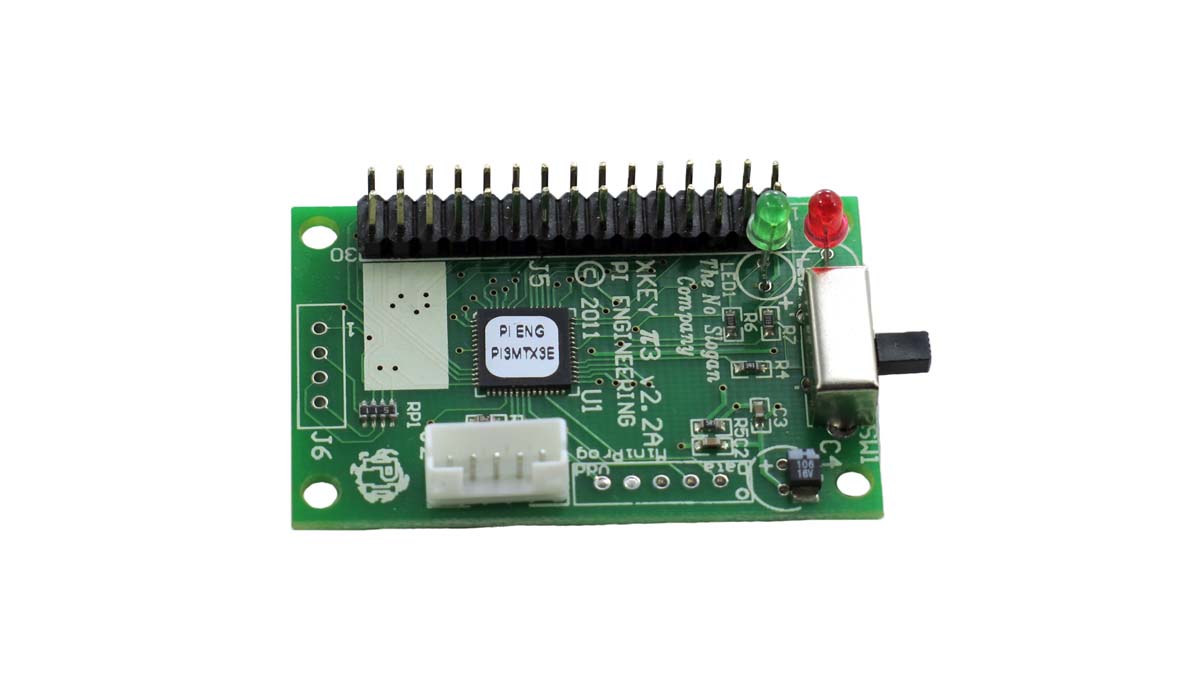
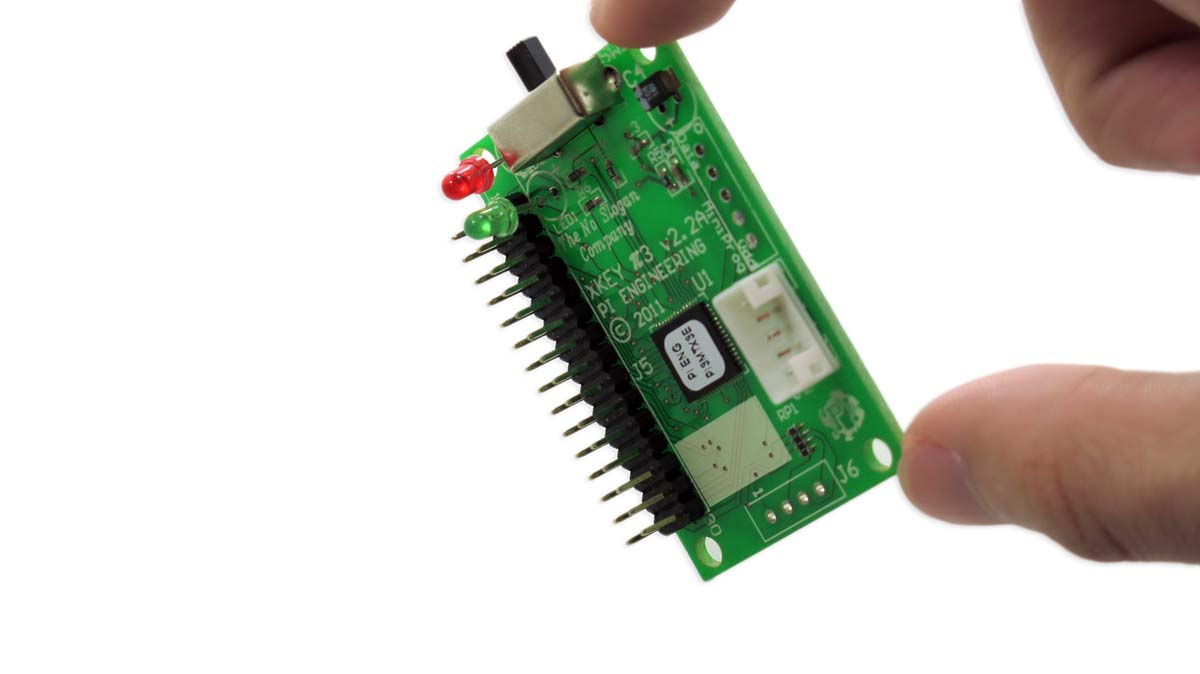
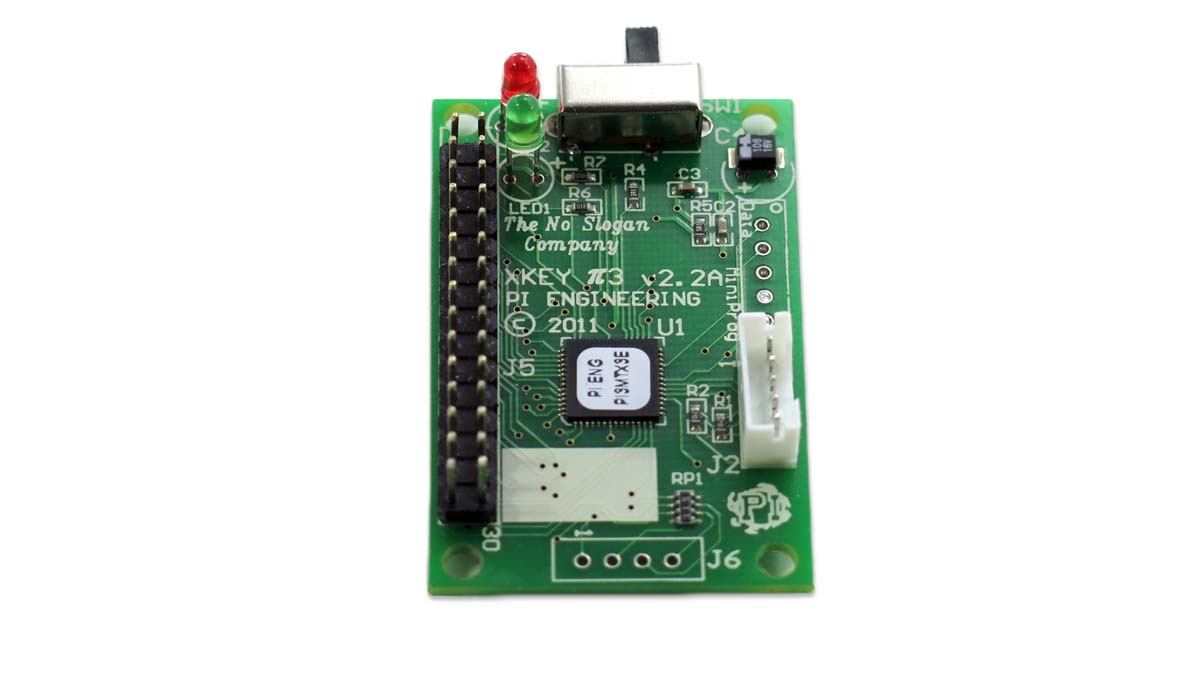
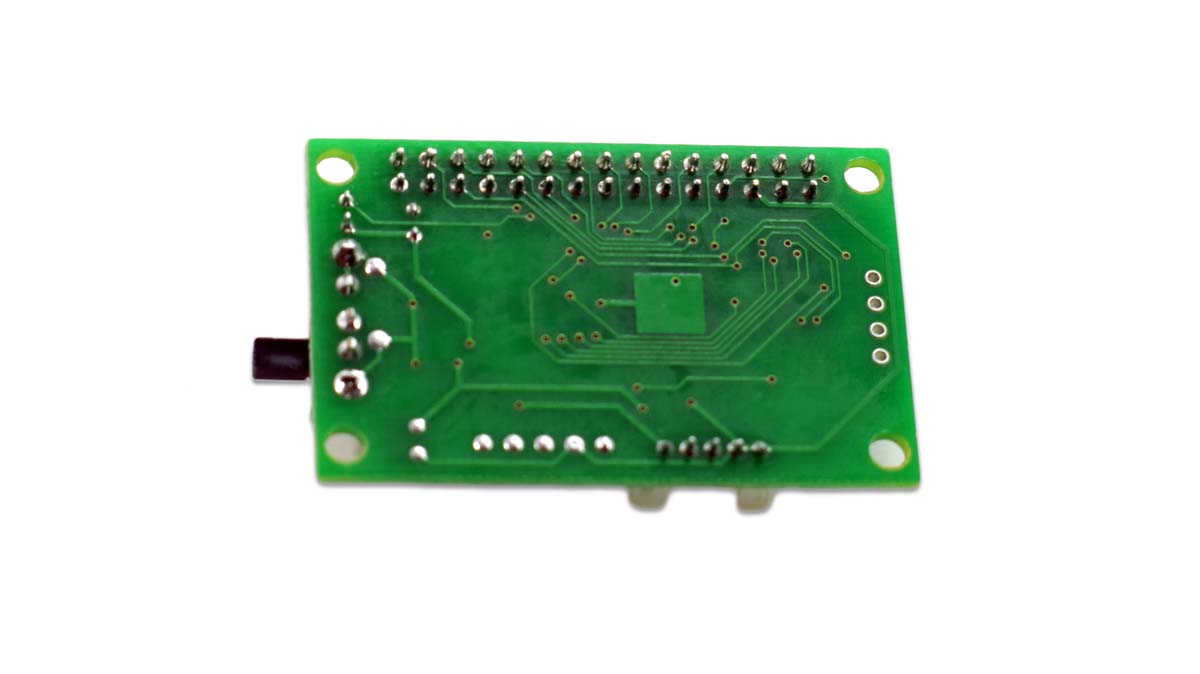
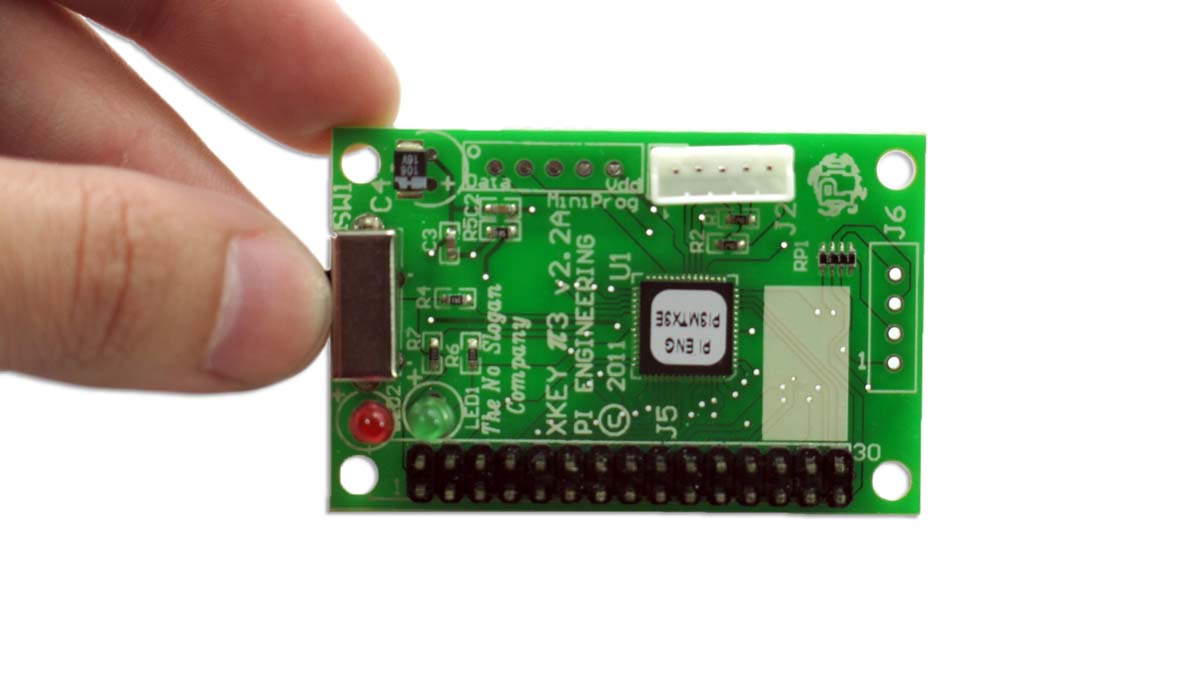
Perfect for wiring your own custom control panel, whether it's a cockpit simulator or a symbol insertion keyboard.
- Provides a matrix of up to 128 switches
- Any switch closure can trigger any function on the computer
- Other Options Available
| 1 - 49 | $59.95 |
| 50+ | $53.96 |
| 100+ | $47.96 |
| 200+ | $41.96 |
| Request Quote | |
Features
- 128 digital inputs in an 8x16 matrix
- π3 firmware, which feature HID keyboard, mouse and joystick hardware emulation
- Internal memory for hardware, resident macros for OS independent support
Perfect for adding a few control keys to a tight space. The XK-4 offers four programmable keys to trigger macros, shortcuts, and applications, select tools or open files or directories. The low profile, slim footprint fits nicely on a podium or under a monitor. The XK-4 provides a versatile control strip for any computer driven application.
Connector Type |
USB "A" plug |
Input Connector |
0.1" double row, 30 pin female header receptacle (not included) |
Number of Inputs |
128 possible matrix points (switches) |
Dimensions |
2" x 1.3" x 0.58", (50.8mm x 33mm x 15mm) |
Weight |
2.56 oz. (73 grams) |
Cord Length |
8' (2.44 m) |
Power Consumption |
Low power USB device, less than 15 ma @ 5 vdc |
Power Source |
USB port power, nominal voltage = 5vdc |
Certification |
FCC Class B, CE |
Operating System |
Windows XP, Vista, 7 |
Included Software |
Windows: MacroWorks 3.1 Mac: ControllerMate for X-keys |
Available Software |
Windows (C++, C#, VB.NET) Linux (C++) |
Layers |
MW3 supports multiple layers including application specific programming |
Hardware System |
Any architecture supporting USB, including Sun, SGI, and HP workstations |
Operating System |
Programming requires MacroWorks 3 for Windows XP, Vista, or 7 |
Memory Capacity |
Each matrix point is allocated 3 characters and a pool of 560 additional keystrokes is available to any switches requiring additional characters |
Memory Type |
EEPROM, non volatile memory (X-keys retains memory for over 200 years) |
Layers |
2 layers - user selectable toggle and/or shift function |
Download PDF: X-keys USB Encoder Board.pdf
- Launch programs, insert Unicode, open files and directories, select tools and more
- Can write macros to X-keys memory for Hardware Mode macro programming
- Control backlighting globally or for individual keys
- Create custom scripting with Visual Basic (Software Mode only)
- Compatible with Windows 8, 7, and Vista (32 or 64 bit) and Windows XP (32 bit only)
- Free technical support via email or phone
- More info...
MacroWorks 3.1 for Windows (included)
- Launch programs, insert Unicode, open files and directories, select tools and more
- Control backlighting globally or for individual keys
- Create macros or execute Applescript with drag and drop building blocks
- Compatible with Mac OS X 10.9, 10.8, 10.7 and 10.6 (64 bit)
- Free support via OrderedBytes Forum
- More info...
ControllerMate for Mac OS X (included)
- Microsoft Visual Studio code examples in C# 2008 Express, C++ 2005, and VB.NET 2008 Express
- Read all key and control states
- Control all backlighting and indicator LEDs
- Free technical support via email or phone
- Linux SDK provides a cross platform solution for Linux, Windows, and Mac also available
P.I. Engineering SDK (free download)
- For X-keys Android devices
- Read all key and control states
- Java based
- Sets backlighting levels and states
- Free technical support via email or phone
- More info...
Android Software
Resources for Software Developers
P. I. Engineering offers a wide range of options for application developers. Click on any heading to learn more. If you don’t see what you’re looking for here, please contact us ([email protected]). We have friendly techs and engineers waiting to help you integrate X-keys into your solution.
X-keys Integration
See how to integrate your X-keys with the Hardware Mode, Software Mode with MacroWorks Software, or the Software Mode with a Custom Application.
Windows SDK
Includes comprehensive examples in C#, C++, and VB.NET for Windows desktop development in Visual Studio, as well as Java for Android development in Eclipse. Supported via phone and email during standard business hours by our technical support staff.
Linux SDK
Open source Linux support written in C++. Features code for accessing all X-keys controls and key states and includes a simple, straight forward example GUI. Written by Linux HID expert Alan Ott.
Android Samples
Assorted Eclipse projects we have created to demonstrate how to handle various input options (such as joystick and game controller button data) on Android.
HID Data Reports
Learn how to read the X-keys’ raw output and use it to integrate X-keys into your application in any language, on any HID-enabled platform.
Case Studies
See how other developers have implemented X-keys for fun and profit.


